Upgrade your compatible Audi Q3 with Apple CarPlay and Android Auto...
Availability: Low stock: 1 left
Couldn't load pickup availability

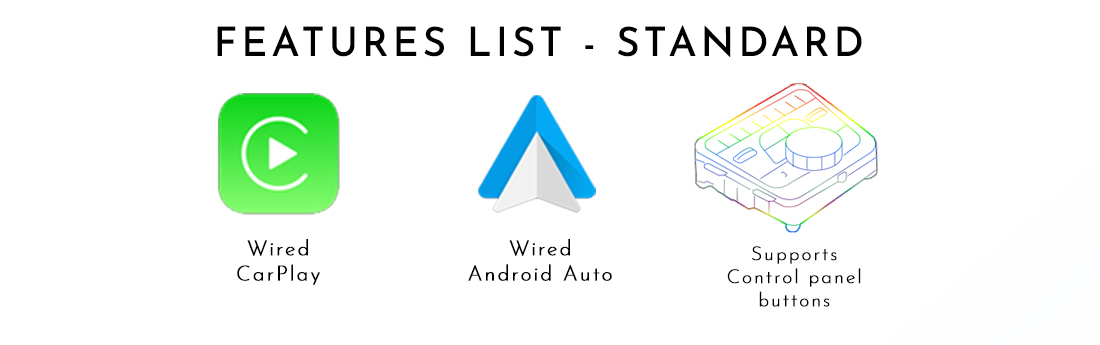
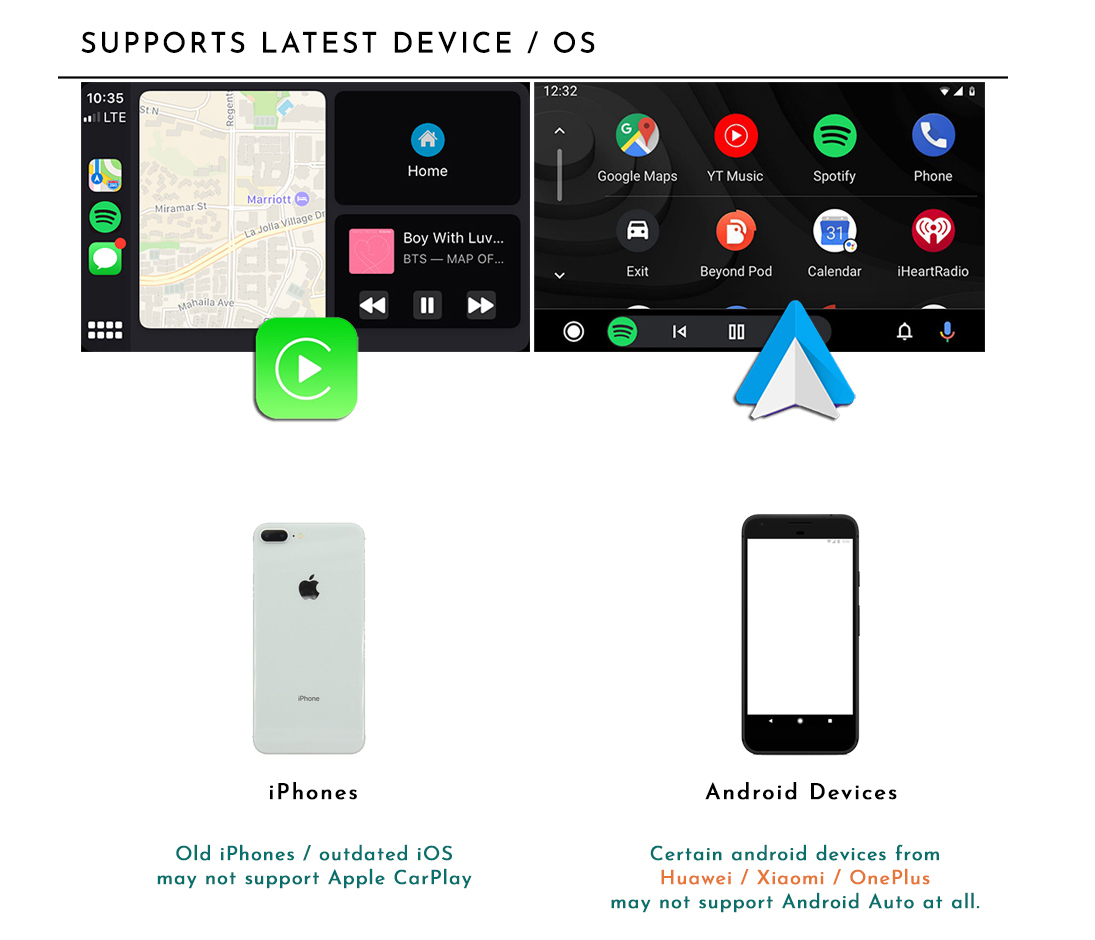
Upgrade your compatible Audi Q3 with Apple CarPlay and Android Auto while retaining the original factory display and factory radio dial controls. This package adds smartphone integration through an additional integration module.
Confirm your RMC / HNav software version before purchasing. Send your VIN, model year, software-version photo, screen photo and MMI control-panel photo to sales@naviplus.com.au.
| Vehicle | Audi Q3 — fitted-system confirmation required |
|---|---|
| System selection | RMC (without factory navigation) or HNav (with factory navigation), as listed — confirm the actual software version and matching kit |
| Model years | 2012–2018 (MY19 as listed) — confirm VIN, generation and fitted system before purchase |
| Operation | Factory radio control pad, dial and supported buttons |
| Audio & microphone | Factory Bluetooth Audio where supported; factory microphone for phone calls and voice commands |
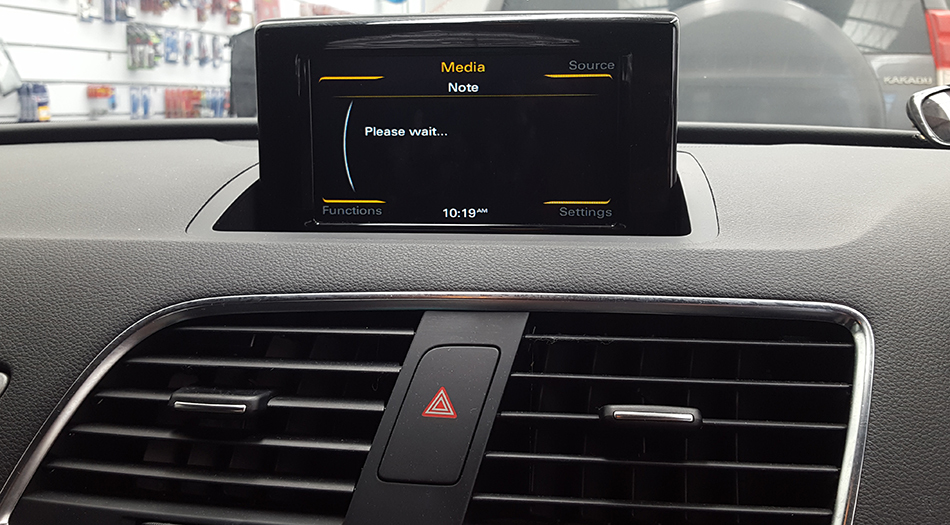
Use the supplied Q3 switching instructions to change between the original Audi interface and CarPlay / Android Auto. The switching reference below shows the procedure; confirm the correct button and hold duration for your fitted radio and kit.

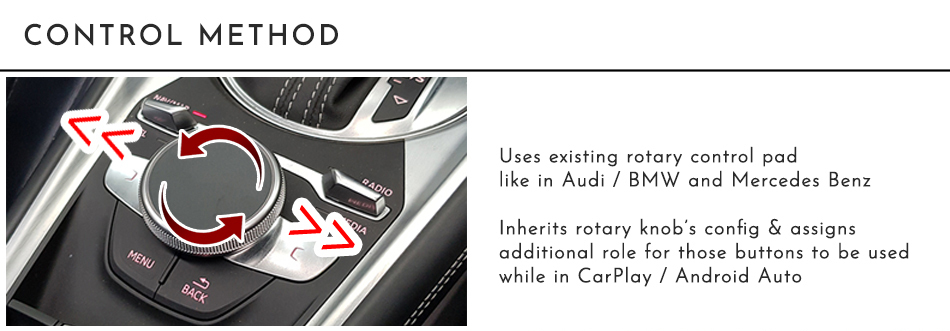
This is the MMI dial integration package. A touchscreen overlay is not included.
Uses the factory microphone for phone calls and voice commands. Factory Bluetooth Audio is the primary sound route where supported. Follow the supplied Bluetooth pairing and audio setup instructions.
If factory Bluetooth Audio is unavailable or has an issue, AUX can be used as a backup where supported. Confirm any required AUX configuration before ordering.
Reference videos supplied with the original Q3 listing demonstrate related factory radio dial operation. Features and operation depend on your fitted system and selected package.
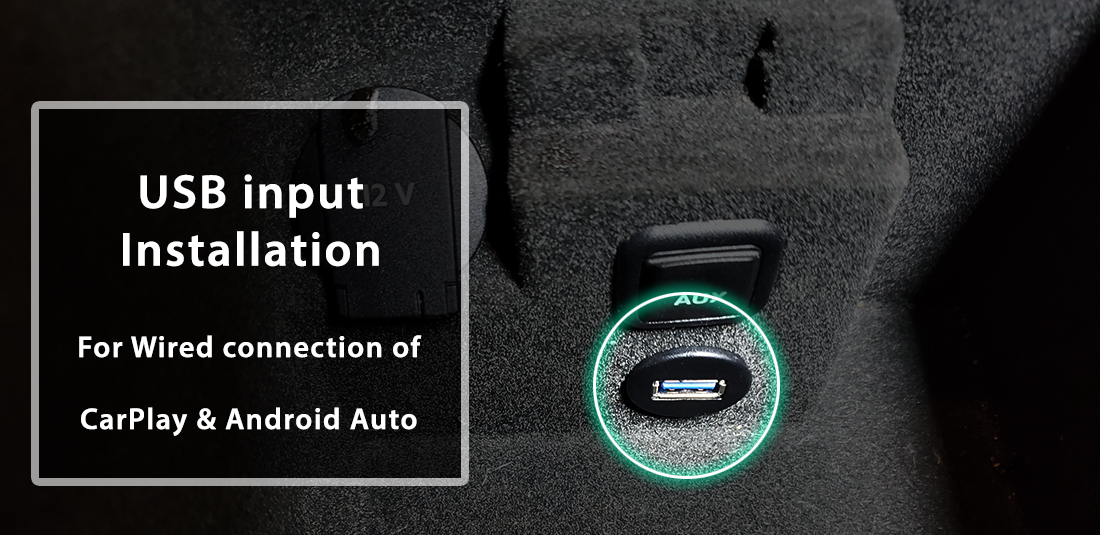
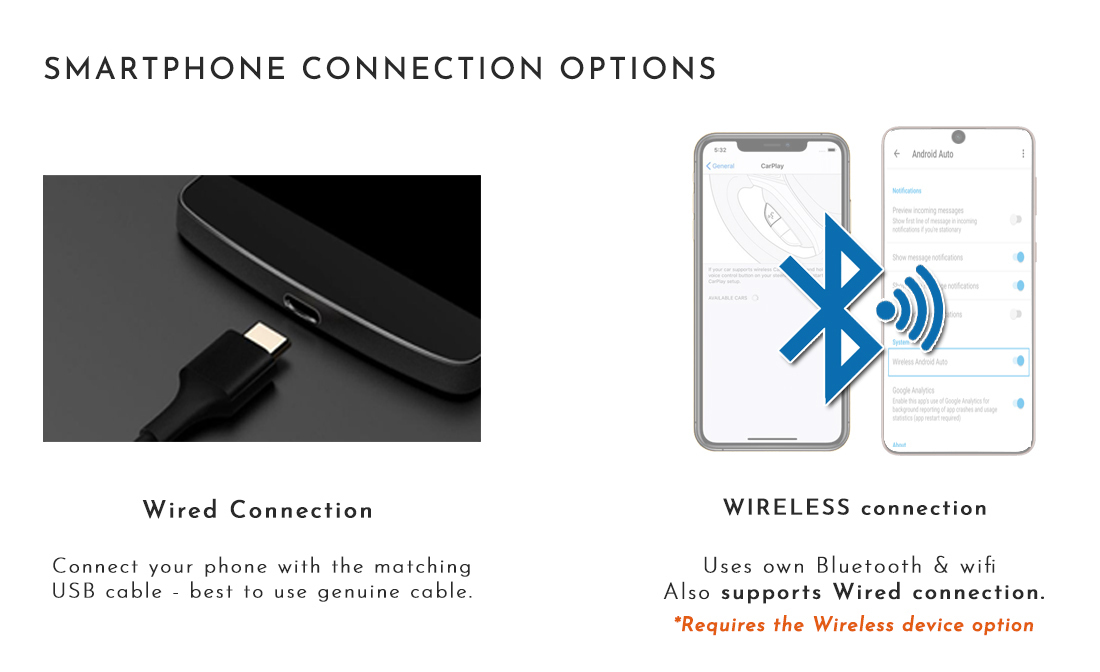
Use the integration kit’s supplied phone connection and follow the installation guide. Find the software version in the factory setup menu and send us a clear photo. Select hardware matching your actual fitted system.